Module 1
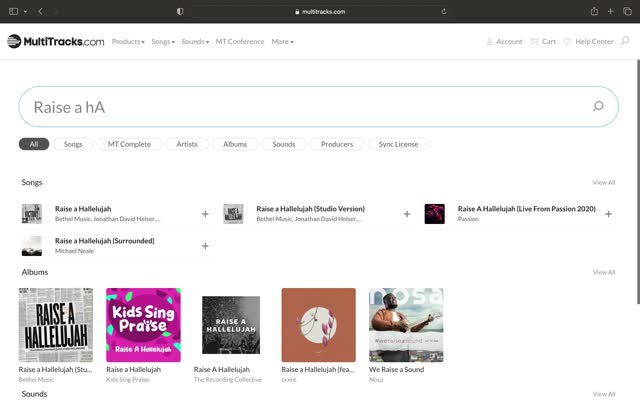
Download and organize your tracks
multitracks.com: account, search, key and BPM, MultiTrack WAV download, and a folder per service date.
Video · 0:57Online course · Step-by-step guide
From download to Sunday: program worship setlists that work live. My exact process, step by step, with screenshots from a real setlist.
Please note: the PDF guide and videos are in Spanish. Need it in English? An English version is available by special request — email me.
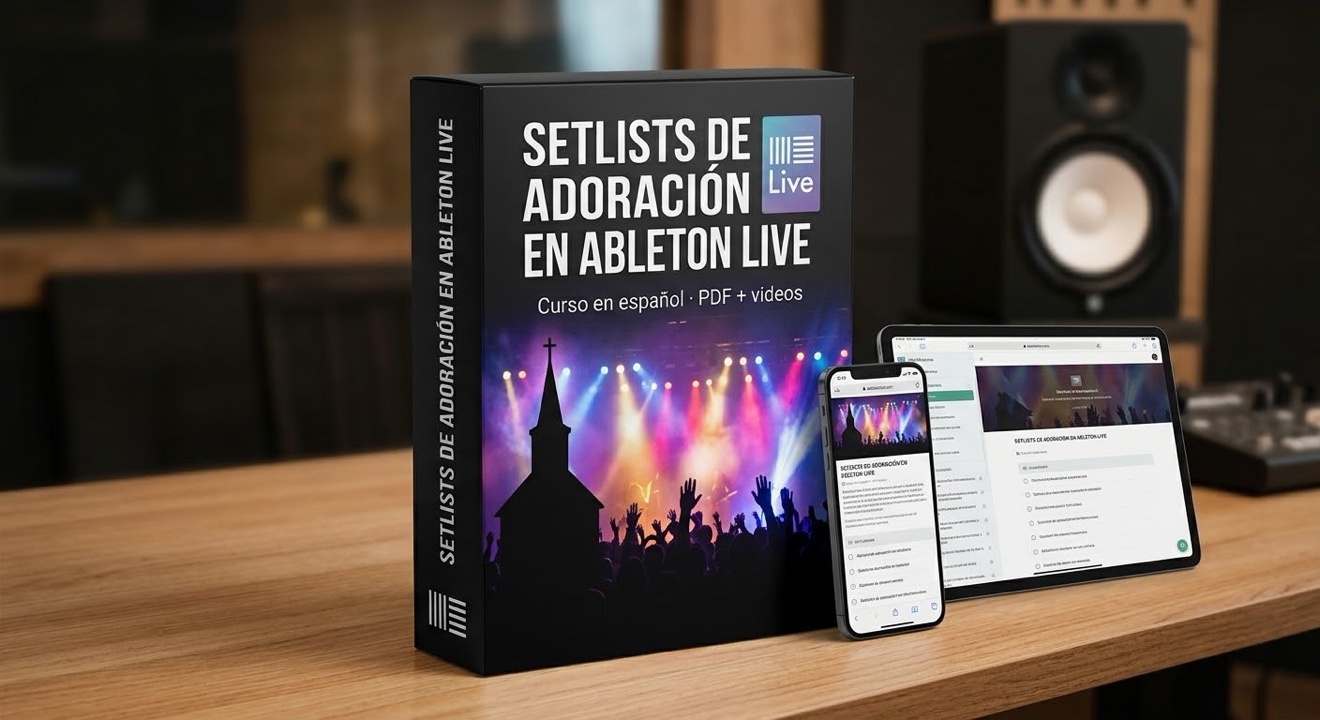
25-page PDF guide + 4 videos with voiceover. Everything based on Ableton Live 12 Intro.
Module 1
multitracks.com: account, search, key and BPM, MultiTrack WAV download, and a folder per service date.
Video · 0:57Module 2
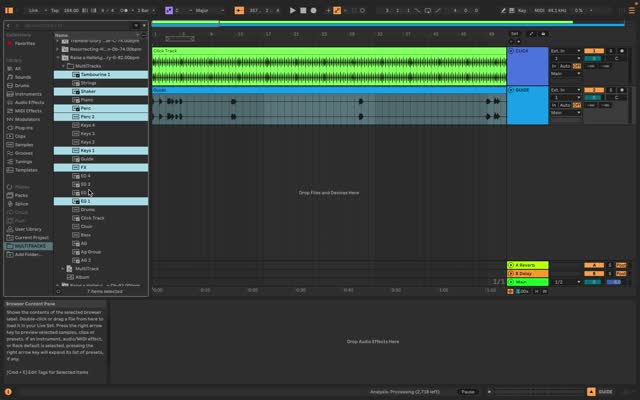
Tab to Arrangement view, delete the MIDI tracks, Add Folder to Places, import one by one or with Cmd+A, and organize.
Video · 5:35Module 3
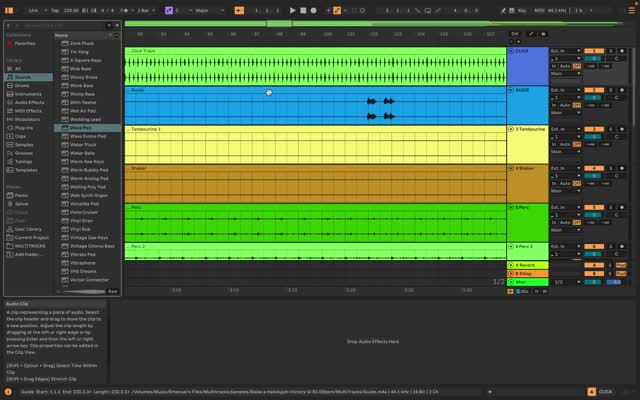
Set button or right-click → Add Locator. Name each section: Intro, Verse, Chorus…
Video · 2:09Module 4
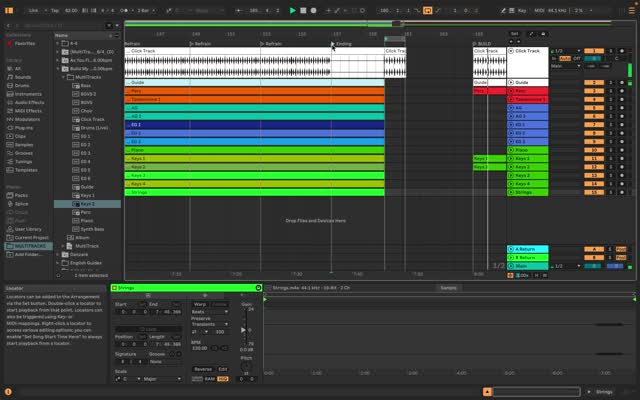
Key Mappings mode: assign a key to each section and navigate live without touching the mouse.
Video · 1:46$47
$97
Requirements: Ableton Live 12 Intro (or the free 30-day trial) and a multitracks.com account or your tracks platform.
Taught by: Emanuel Lozada — drummer, Bosphorus artist and music director. Programming live setlists since 2005 in 10+ churches.
Questions about the course? Email me.
[email protected]